What changes for you
Use the project name or project ID arguments, optionally select tables for a single-source project, and consume console logs and exit codes from the calling system.
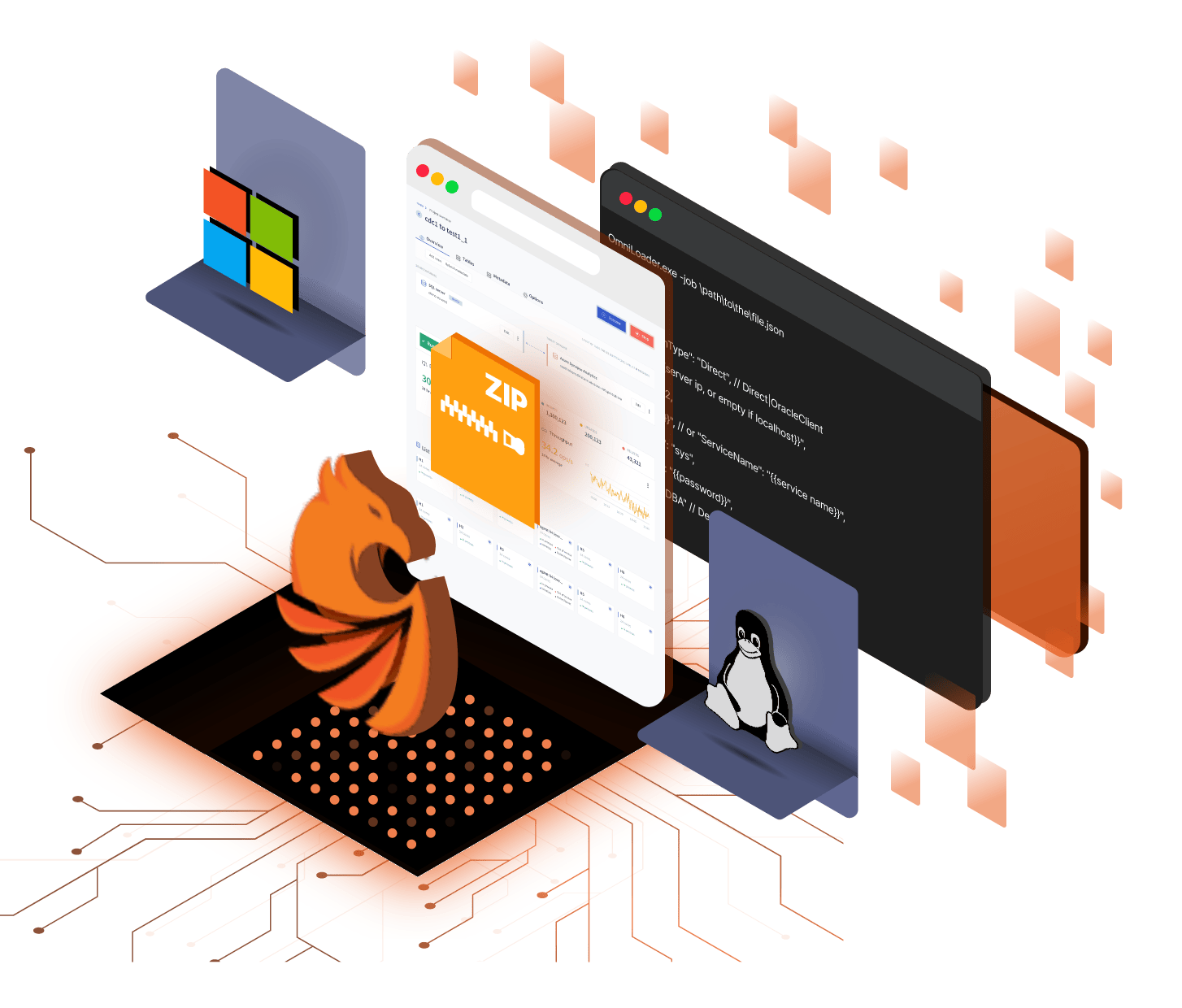
Omni Loader provides a one-shot console runner for saved projects. Select a project by name or ID and let an external scheduler or CI/CD system own timing and orchestration.
The job to be done
A large migration is not finished when the first rows arrive. Omni Loader keeps parallel work productive, adapts the loading path to the target, and records enough progress to recover the part that failed.
Configure connections, selection, mapping, DDL, loading, validation, and target behavior in the product interface before automation takes over.
Why this path matters
Configure connections, selection, mapping, DDL, loading, validation, and target behavior in the product interface before automation takes over.
What changes for you
Use the project name or project ID arguments, optionally select tables for a single-source project, and consume console logs and exit codes from the calling system.
The outcome
Save the configuration once, then call it from the scheduler or CI/CD system your team already trusts.
The payoff
Execute the reviewed project configuration.
Limit a single-source run to a semicolon-delimited table list.
Return process status to the calling scheduler or pipeline.
Where the work happens
Read each capability as part of the operating path. The important question is not whether a feature exists, but what work it removes and what evidence it leaves behind.
At a glance
The CLI is the supported automation surface. Use a scheduler, deployment pipeline, or job runner to invoke it; Omni Loader does not claim a public REST API or built-in scheduler.
UI for design
Configure connections, selection, mapping, DDL, loading, validation, and target behavior in the product interface before automation takes over.
CLI for execution
Use the project name or project ID arguments, optionally select tables for a single-source project, and consume console logs and exit codes from the calling system.
External scheduling
The CLI is the supported automation surface. Use a scheduler, deployment pipeline, or job runner to invoke it; Omni Loader does not claim a public REST API or built-in scheduler.
The path to confidence
The page keeps the product detail close to the decision it supports. Your team can see what the software handles automatically, what it changes for the target, and what the result leaves ready to operate.
Configure connections, selection, mapping, DDL, loading, validation, and target behavior in the product interface before automation takes over.
Use the project name or project ID arguments, optionally select tables for a single-source project, and consume console logs and exit codes from the calling system.
The CLI is the supported automation surface. Use a scheduler, deployment pipeline, or job runner to invoke it; Omni Loader does not claim a public REST API or built-in scheduler.
Take the next step
Save the configuration once, then call it from the scheduler or CI/CD system your team already trusts.
Plan my migration