Getting Started
Deploying the workload
You can deploy Fabric Migration workload by visiting the Workloads page in Microsoft Fabric.
The Fabric Migration workload card leads to Spectral Core Fabric Migration page:
 (1).png)
For any workload in Fabric installed for the first time, a Global Administrator/Application Admin is required to login to Azure portal and check the Enterprise applications/Admin Consent requests and approve the following:
.png)
If the admin consent has already been granted, you will see:
.png)
Click the Fabric Migration item button:
 (1) (1).png)
You will be presented with a modal dialog asking for the workload name.

Optional: select a correct workspace
It may happen that the wrong workspace is pre-filled by Fabric. If so, expand the list of workspaces and select the correct one:
 (1) (1).png)
Once you select the correct workspace in the sidebar, specify the workload name and continue.
 (1).png)
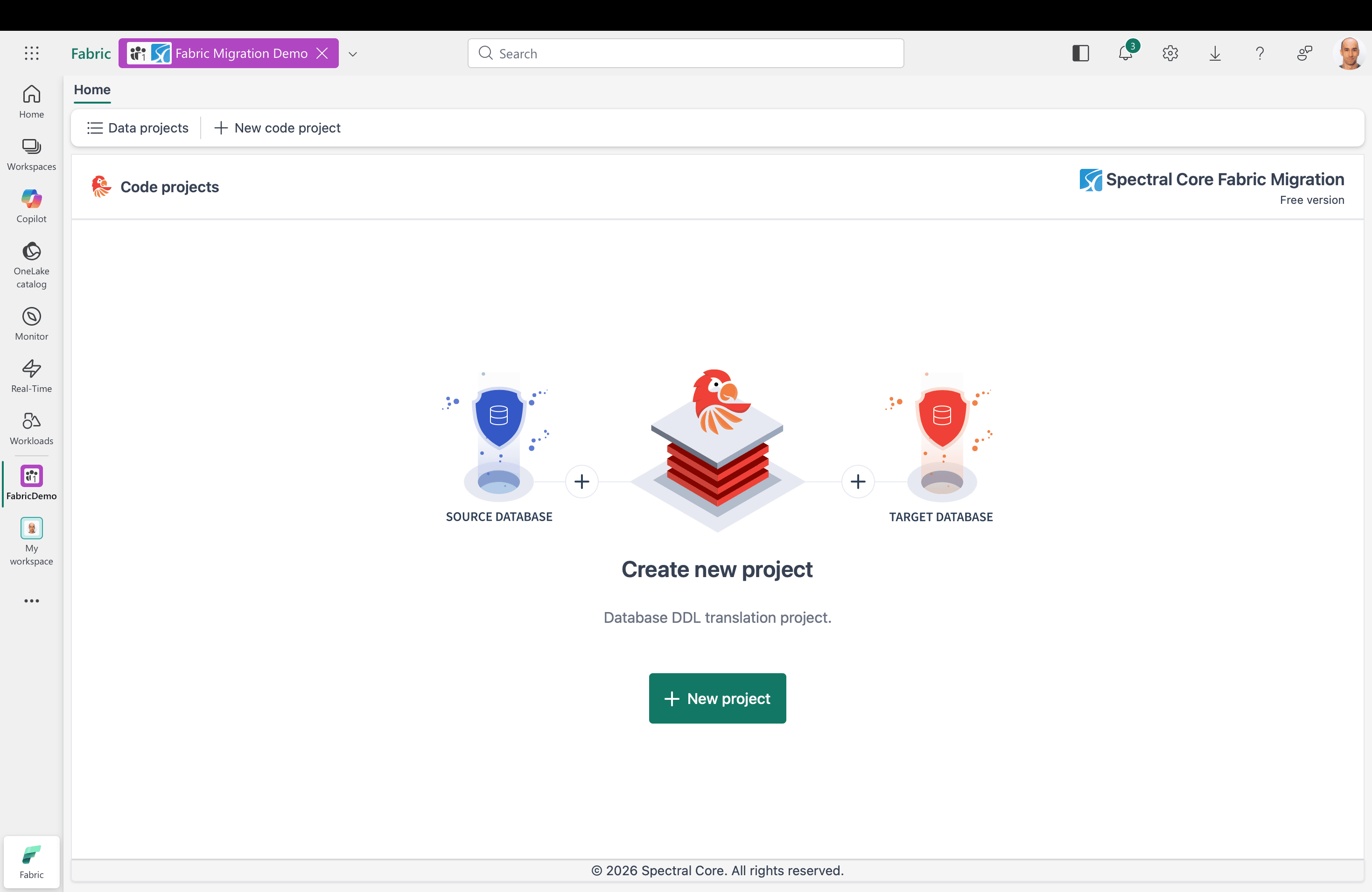
You will immediately be able to start migrating your databases to Fabric.