
Recreate tables
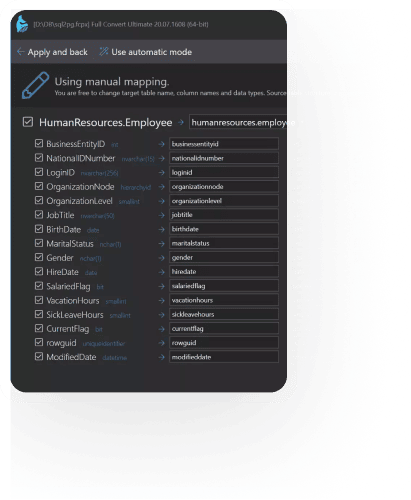
All existing tables in the source are recreated in the target database with appropriate structures and naming, ready for data.
Recreate every table in the target. Copy every row. Rebuild indexes and relationships. One repeatable project, no hand-written scripts, no fragile one-off tools.
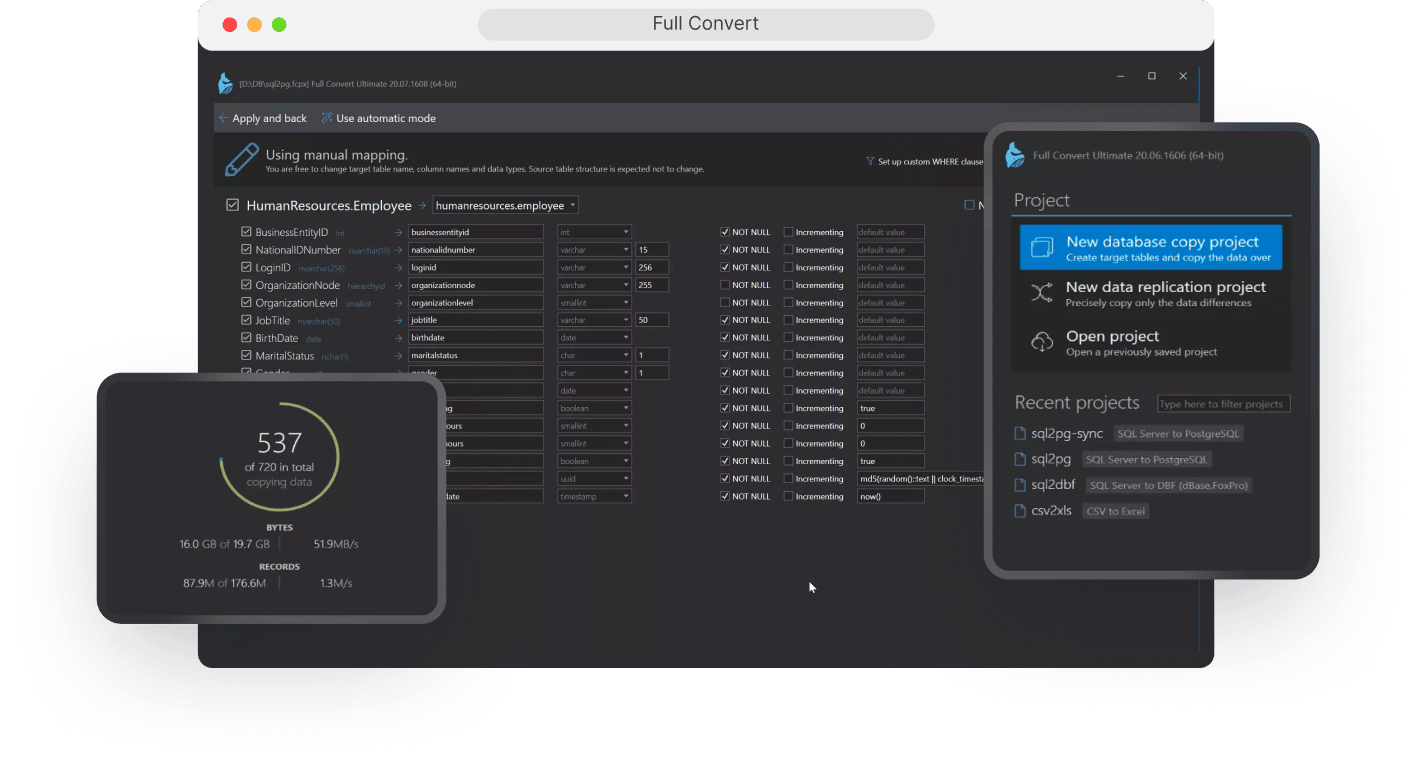

Full Convert is a database conversion application designed to copy the complete contents of one database into another engine. Full table copy is the default behavior: recreate your schema, move all data, and rebuild indexes and relationships in the target.
All existing tables in the source are recreated in the target database with appropriate structures and naming, ready for data.

Every row is copied, including blobs and large text fields, with smart type mapping between engines so you don't have to chase edge cases.

Full Convert creates indexes and foreign key relationships in the target, so the resulting database is immediately usable by applications and reports.
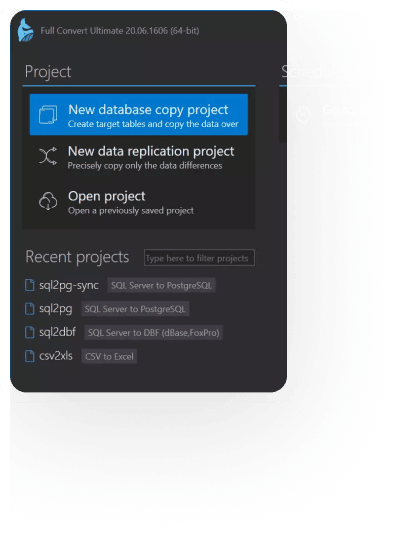
Project options give you precise control over how tables are created and loaded on every run, while still keeping the typical “copy everything” scenario one click away.

Drop and recreate tables in the target on every run. Ideal when Full Convert owns the target schema and you want a clean, full copy each time.

Preserve existing table structures and relationships in the target while loading data. Perfect when the target schema is created by another team but you still want full table copy behavior at the data level.

Choose between recreating data (delete then copy all rows) or appending new data each run, useful for daily CSV/DBF imports or log-style tables.
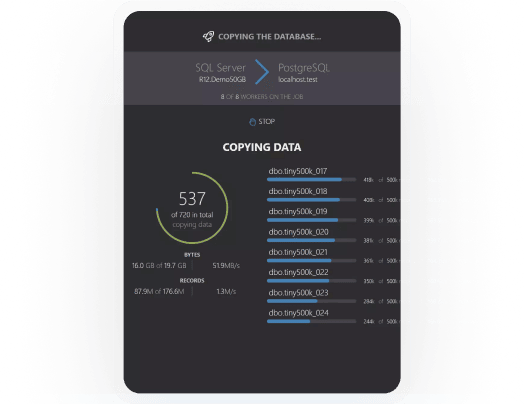
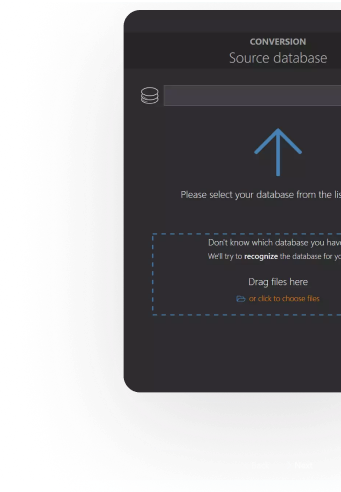
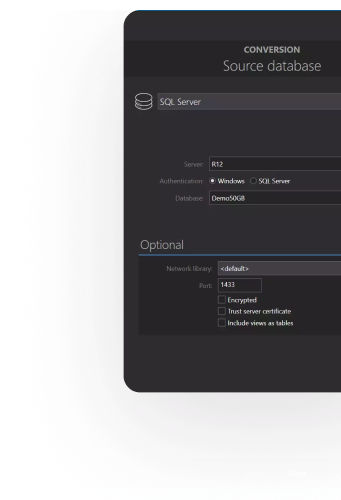
Use full table copy for initial moves into a new database engine or cloud platform. Run it repeatedly during testing and cutover until you're confident everything matches.
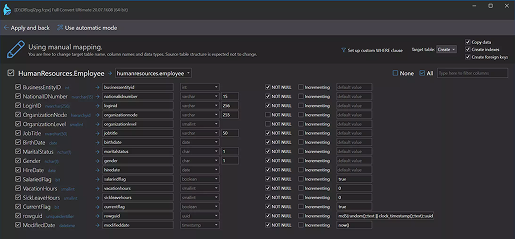
Many customers run full table copy on a scheduler at night so that the reporting or staging database is a fresh copy of production every morning.
Learn about scheduling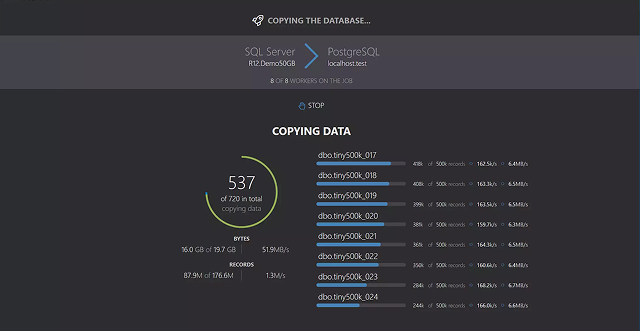
Start with automatic full table copy, then introduce project-level and per-table customizations to evolve your target schema while keeping a reliable baseline project you can always rerun.
See customization options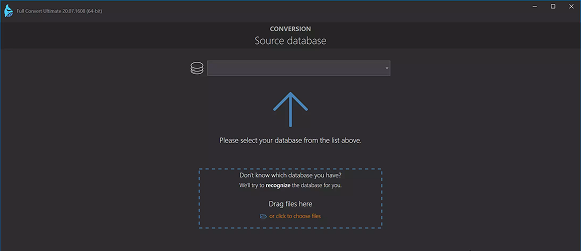
To keep a target in sync without rerunning a full copy, use Full Convert's comparison and replication workflow: it compares source and target and applies only the differences, on demand or on a schedule. For real-time change streaming, use Omni Loader.
Comparison & synchronization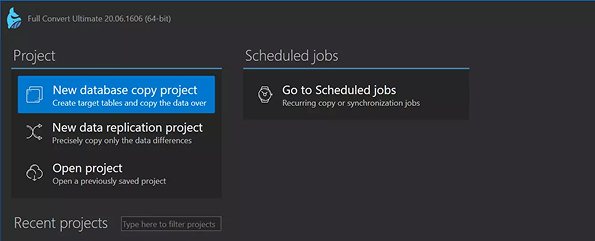
Because the project contains the full definition of how your databases relate, you can safely rerun full table copy whenever you need a clean, up‑to‑date target.
Create a project with your source and target connections and let Full Convert automatically select and map tables.
Run a first full copy using default options to verify that everything migrates as expected.
Adjust project options (recreate vs expect existing, recreate vs append data) and per‑table mapping only where needed.
Save and reuse the project as your canonical way to rebuild the target database, on demand, on a schedule, or via the console.
Full Convert is used by thousands of
organizations in 100+ countries.