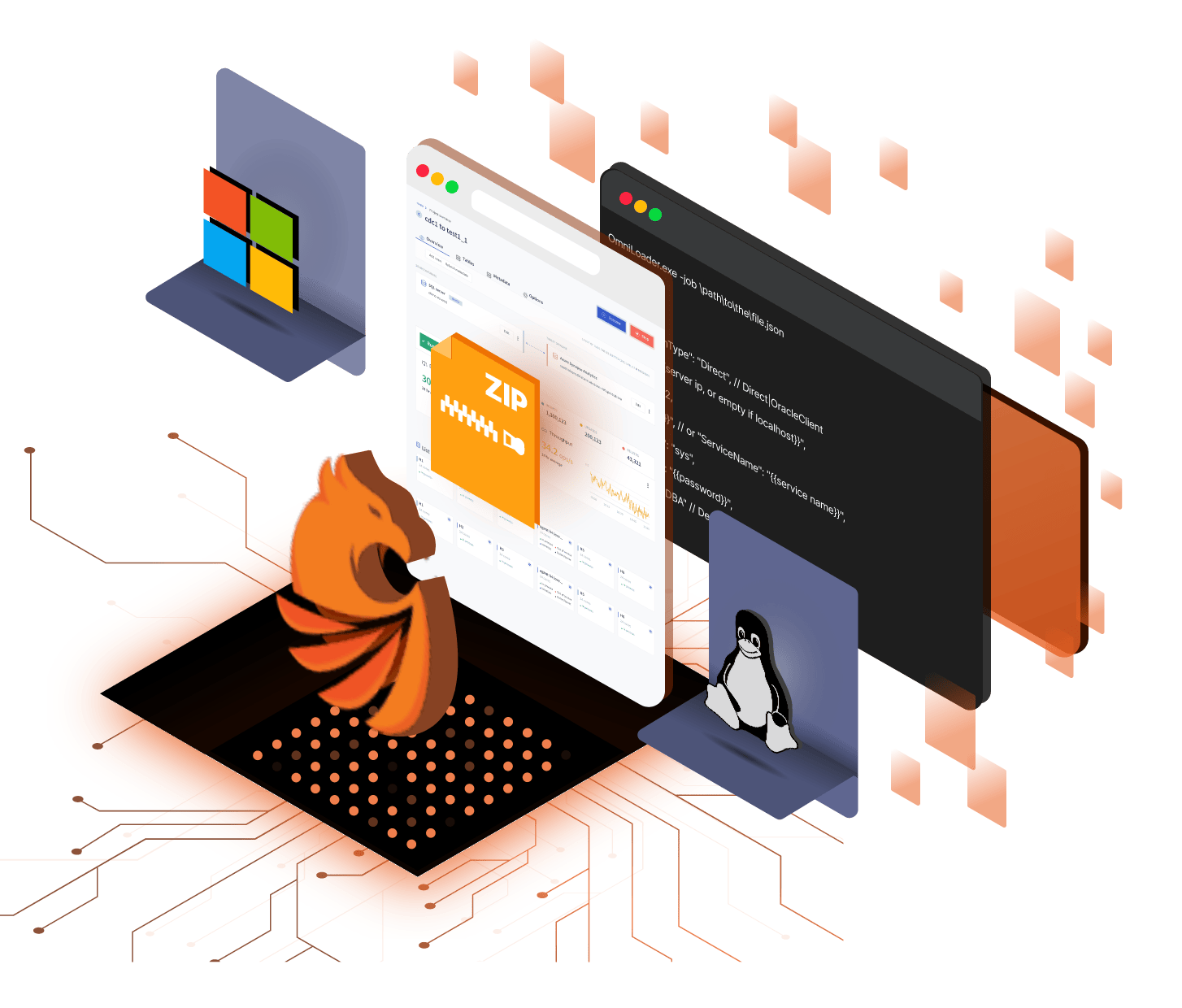
Unpack the runtime. Place the workers where the data is.
Omni Loader ships as native Windows and Linux archives. Run one process for a standalone migration or coordinate agents across machines for more capacity and network locality.
Use the operating system already approved for the migration environment.
Launch the built-in web interface and worker from one runtime.
Add machines where more workers or network locality help.
Standalone mode
Start the executable and open the built-in interface.
Run OmniLoader.exe on Windows or OmniLoader on Linux and bind the web server to the selected port. A standalone process is enough for local evaluation and migrations that fit one machine.
Cluster mode
Separate orchestration from distributed work.
Start Omni Loader with --cluster, then point Windows or Linux agents at the orchestrator address. Place agents on separate machines when additional compute, source locality, or target locality improves the real path.
Console mode
Run the same deployment headlessly.
Pass a JSON job with --job for scheduled and CI/CD migrations. Structured logs record the automated run while secrets and network placement stay inside the environment you control.
Keep exploring
See the connected parts of the platform.
Put the workers close to the work.
Tell us the source and target networks, operating systems, and available machines. We will map standalone or clustered placement for Burst Load and CDC.