Correctness · Validation

Finish the load with evidence, not assumption.

Omni Loader can run count, table-hash, or record-level validation after loading so the migration result is reviewed through explicit checks.

The job to be done

Move the full dataset without turning failure into a restart.

A large migration is not finished when the first rows arrive. Omni Loader keeps parallel work productive, adapts the loading path to the target, and records enough progress to recover the part that failed.

Select no validation, count comparison, table hashing, or record comparison per project and table according to the migration’s assurance needs.

Why this path matters

Match evidence to risk and target capability.

Select no validation, count comparison, table hashing, or record comparison per project and table according to the migration’s assurance needs.

What changes for you

Validation is a planned post-load stage alongside index, sequence, and foreign-key work rather than an unrelated manual exercise.

The outcome

Choose count, hash, or record-level validation by table and target capability.

The payoff

See what the capability changes.

Count

Coverage check

Compare the number of source and target records.

Hash

Table-level evidence

Use target-supported hash comparison for a stronger signal.

Record

Detailed comparison

Inspect value-level differences where supported.

Where the work happens

The details that make the result usable.

Read each capability as part of the operating path. The important question is not whether a feature exists, but what work it removes and what evidence it leaves behind.

At a glance

A visual summary of the work.

Run history, table status, warnings, errors, and comparison views keep validation results attached to the migration run.

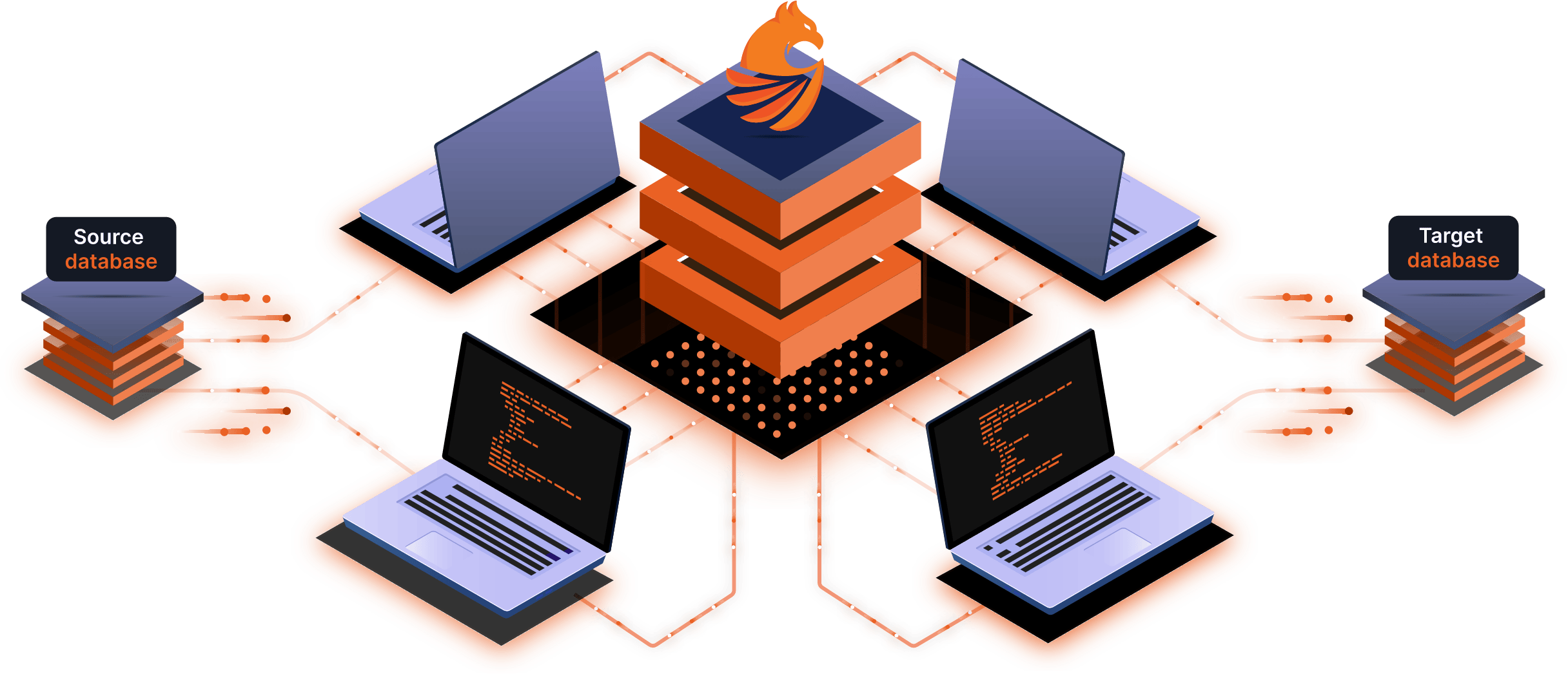
Illustration of distributed migration nodes and review points

Choose the validation depth

Match evidence to risk and target capability.

Select no validation, count comparison, table hashing, or record comparison per project and table according to the migration’s assurance needs.

Run after data movement

Keep validation inside the operational workflow.

Validation is a planned post-load stage alongside index, sequence, and foreign-key work rather than an unrelated manual exercise.

Reviewable outcomes

Bring differences back to the operator.

Run history, table status, warnings, errors, and comparison views keep validation results attached to the migration run.

The path to confidence

See the work. Make the call. Prove the result.

The page keeps the product detail close to the decision it supports. Your team can see what the software handles automatically, what it changes for the target, and what the result leaves ready to operate.

  1. Match evidence to risk and target capability.

    Select no validation, count comparison, table hashing, or record comparison per project and table according to the migration’s assurance needs.

  2. Keep validation inside the operational workflow.

    Validation is a planned post-load stage alongside index, sequence, and foreign-key work rather than an unrelated manual exercise.

  3. Bring differences back to the operator.

    Run history, table status, warnings, errors, and comparison views keep validation results attached to the migration run.

Keep the plan connected

Take the next useful step.

A capability becomes easier to operate when the next decision follows from the constraint you just uncovered. Explore the related work that completes this part of the path.

Your working set

What this page leaves you with

  • Coverage check
  • Table-level evidence
  • Match evidence to risk and target capability.
  • Keep validation inside the operational workflow.
  • Define the proof before the migration starts.

Take the next step

Define the proof before the migration starts.

Choose count, hash, or record-level validation by table and target capability.

Plan my migration