Microsoft training - Omni Loader
Download and Launch Omni Loader
Easy, installation-free deployment
Omni Loader is a native application that doesn't require installation, making it portable and easy to deploy. Let's start by downloading, extracting, and launching the Omni Loader.
- Download the Omni Loader ZIP file from the provided link.
- Extract the downloaded ZIP file. It contains all necessary files, including the quickstart script.
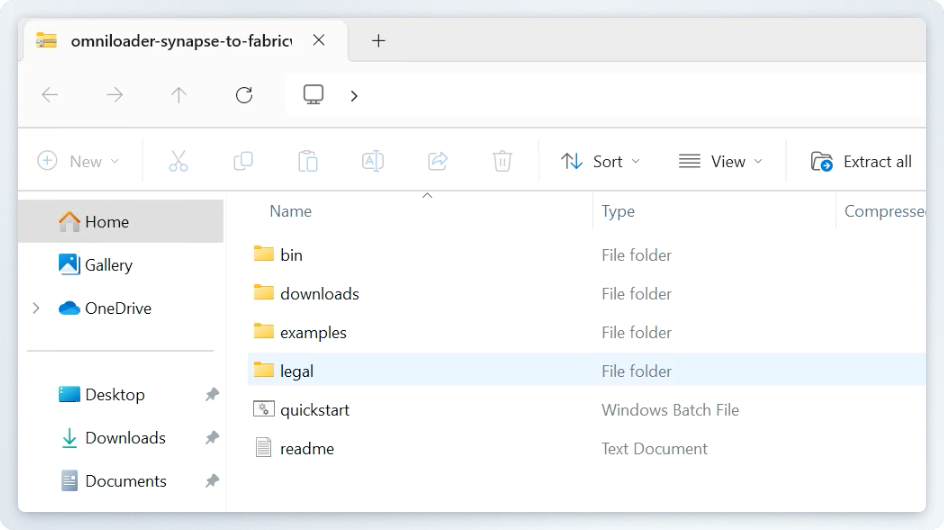
- Run
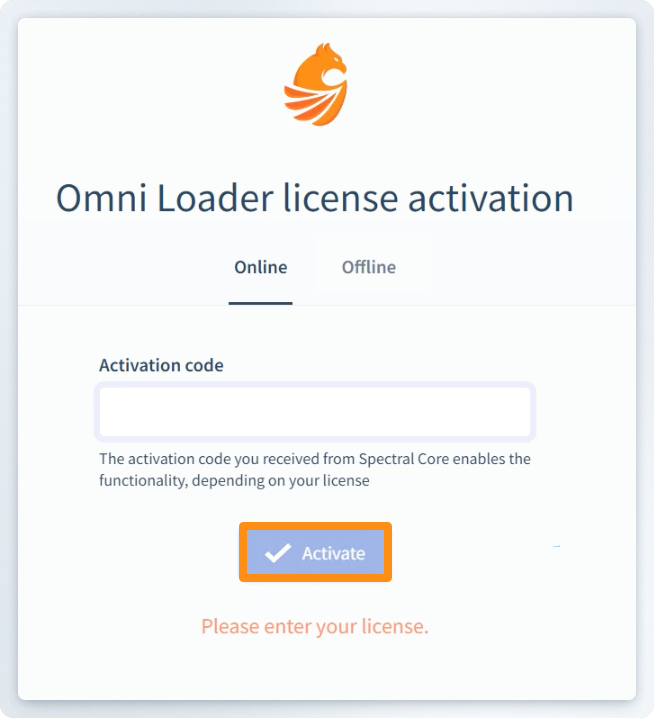
quickstart.batto launch the browser-based UI. - Enter (paste) the activation code when prompted. This code is typically found in the download's
readmedocument file. - Click Activate to launch Omni Loader in your browser window.