Microsoft training - Omni Loader
Set up the Target
Fabric Warehouse is the target data warehouse where your data will be ingested
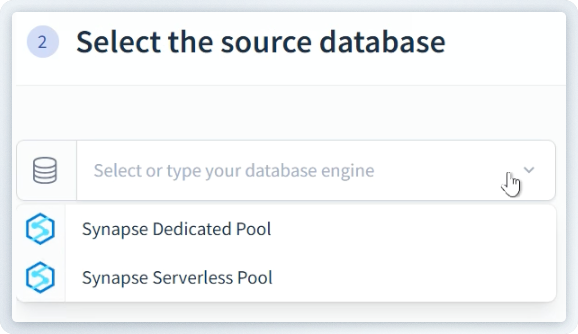
Select or configure a connection to Fabric Warehouse using the drop-down menu.
After selecting Fabric Warehouse, its settings screen will appear.
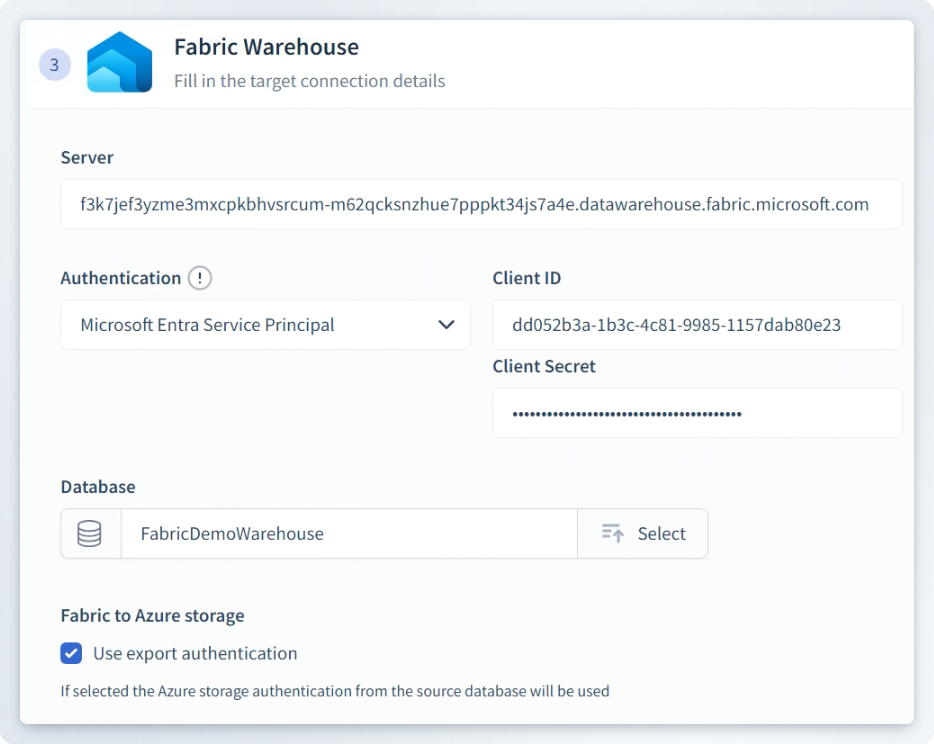
Choose an alternative connection (optional)
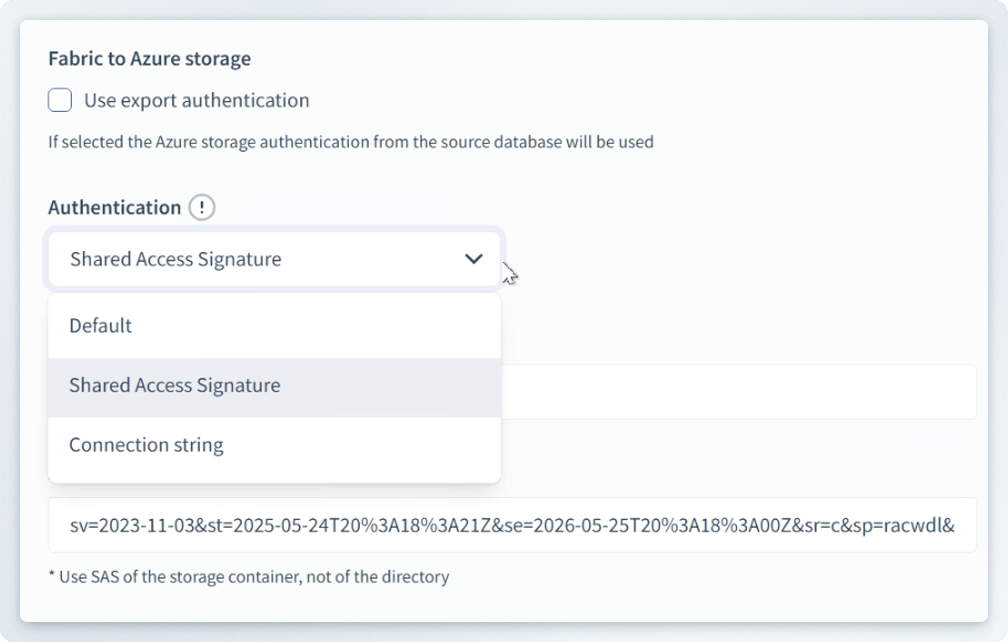
If export authentication is deselected, you can specify a way connect to the storage that differs from Synapse.
Choose an alternate Authentication:
- Default
- Shared Access Signature
- Connection string
Remember, any pre-saved settings can be chosen in the Favorites menu.
Click Next to proceed.
Review your project details
Here you can change the Project name to more accurately describe your project.
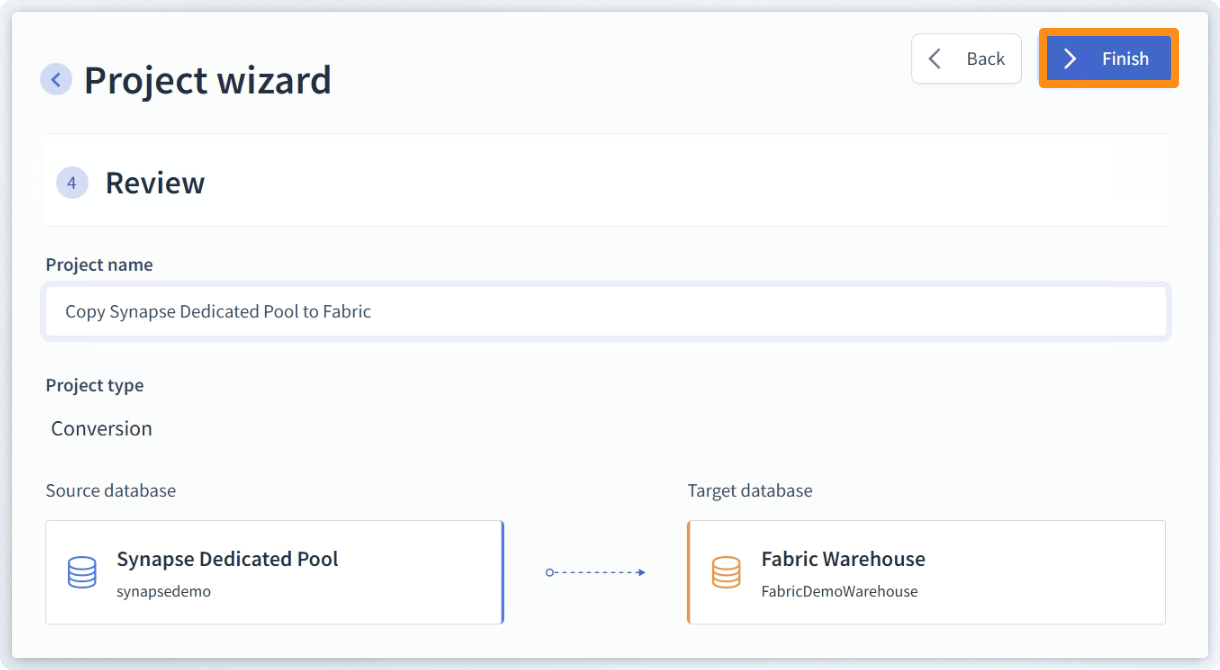
Click Finish to compete the connection between Source and Target.
For extremely large databases, a script can be included that allows Omni Loader to pre-compute the schema for quicker results.