CONSOLE
Console application
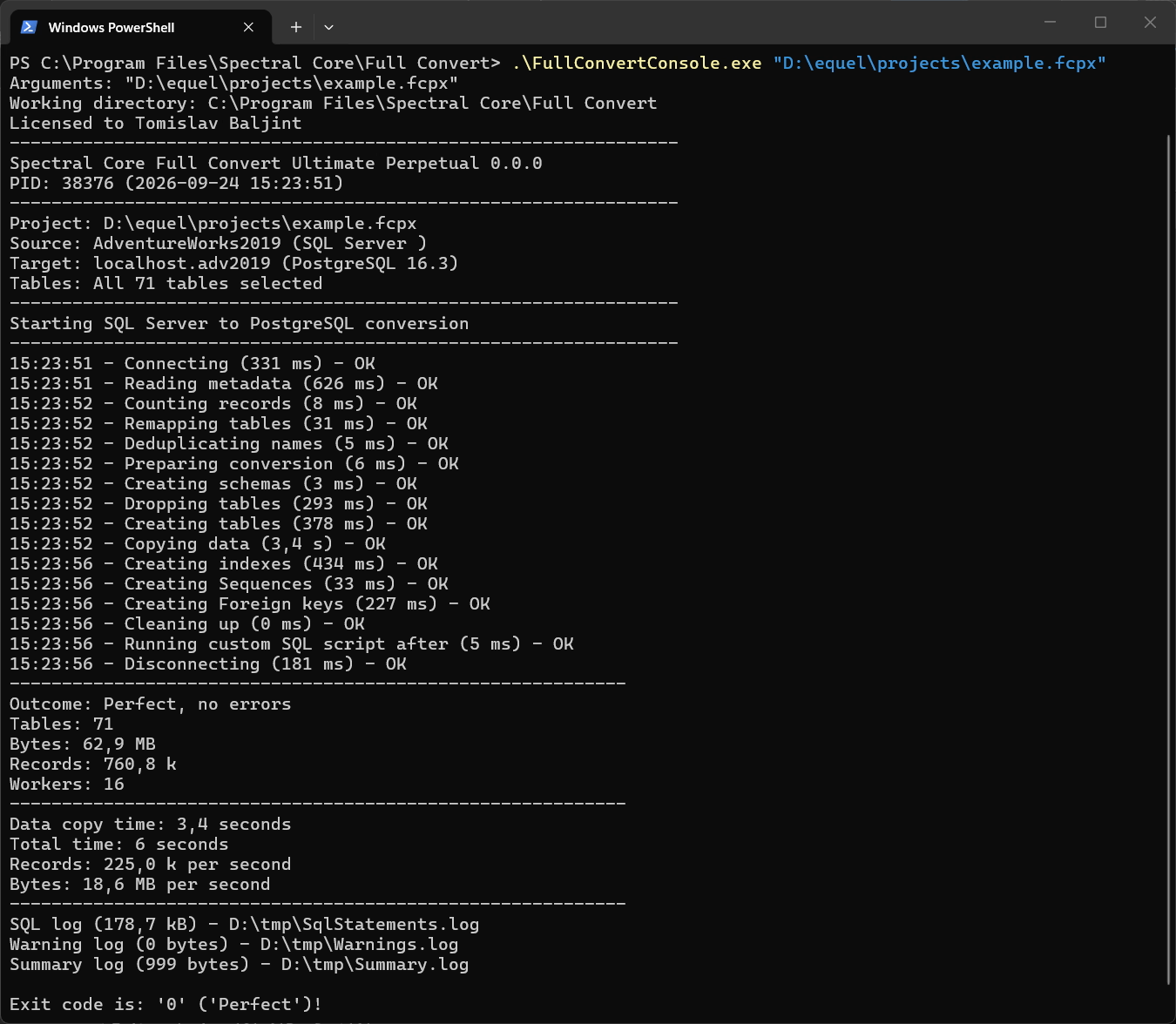
Every Full Convert installation includes a console version of the tool, FullConvertConsole.exe, in the same folder as the application. It runs a saved project without any user interface, which makes it the right tool for batch files, PowerShell scripts, and the built-in scheduler, which uses it behind the scenes.
Basic usage is running it with a single parameter, the saved project file:
.\FullConvertConsole.exe "C:\Projects\AdventureWorks.fcpx"The project is loaded and run right away, with the tables, options and log settings saved in it. Everything the console prints also goes to the log files you configured in the project. Run it without parameters to see the usage.
Switches let you change things per run without touching the project: which tables to process, where the logs go, connection details such as a different server or password, and any other project option. See Usage for the switches and Option overrides and Connection overrides for the connection parameters of each database.
The exit code is 0 when the run finished without a problem and non-zero otherwise, so a script can check it and react.
License
The console uses the license activated in the Full Convert application on the same computer. If it runs under a different Windows user, or on a computer where only the console is used, pass the activation code with the -ACTCODE switch and the console activates itself.