PROJECT WIZARD
Review
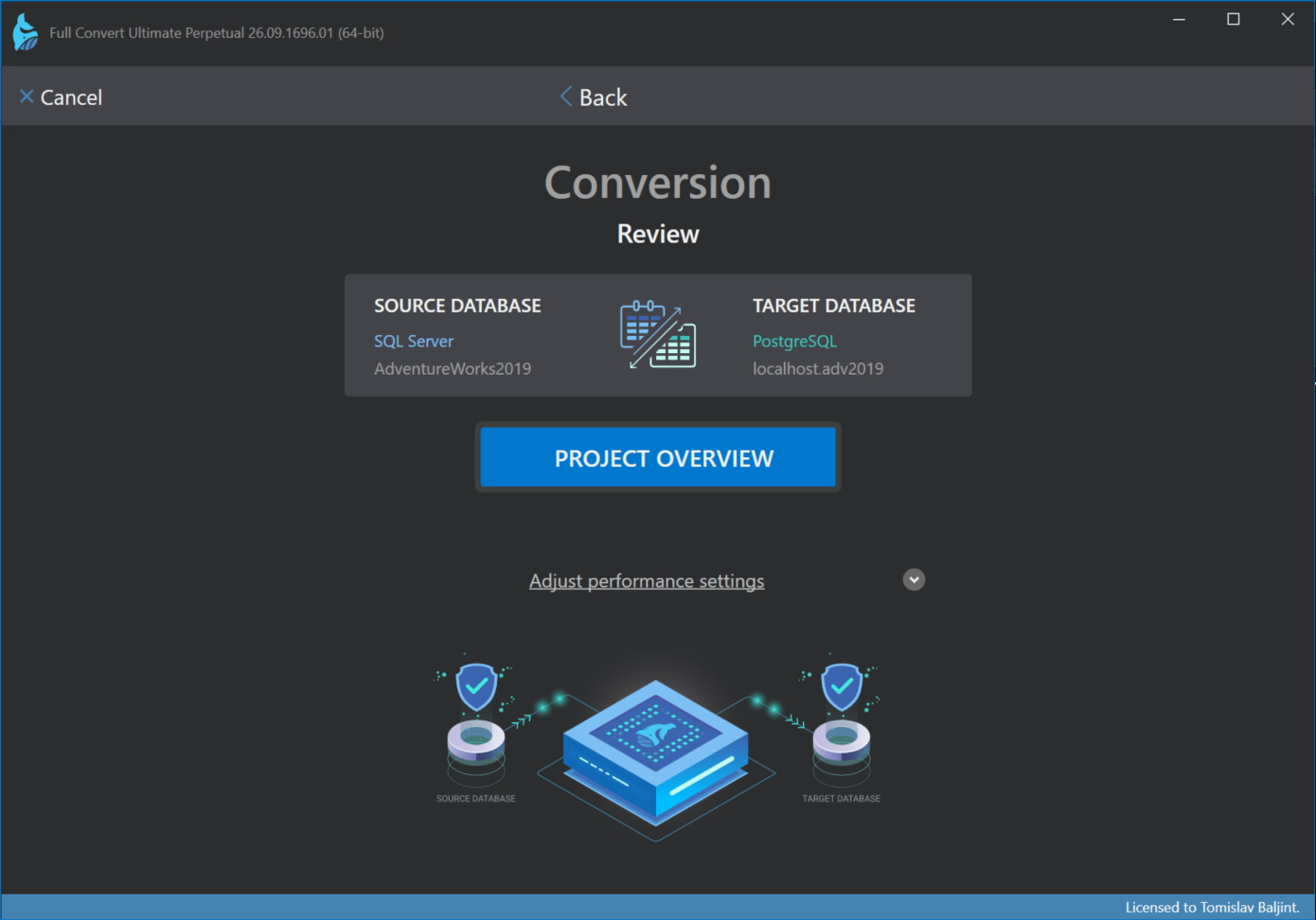
The last step shows the source and target databases you connected to. Verify that they are the ones you wanted and click Back if you need to fix anything.
Performance settings
For a normal conversion you can leave these alone. Adjust performance settings reveals three options that matter for very large databases (all three can be changed later in the project options):
- Parallel workers processes several tables at the same time and makes a big difference on large databases. Available in the Ultimate edition.
- Fetch metadata only for selected tables is for sources with thousands of tables when you will copy only a few. Full Convert then skips reading the structure of every table up front, and all tables start deselected so you pick just the ones you need.
- Do not fetch table size skips counting the records in each table. The copy starts sooner, but there are no progress bars for individual tables.
Finishing the wizard
Click Project overview to finish. The project overview opens with the list of tables from your source database, all selected. From there you can start the copy right away, customize the tables, or save the project for later.
