Overview
Quick start
Let's convert our database by clicking the New copy project button. It opens the project wizard. Once we go through the wizard, we can run the conversion right away and have our target database ready to use.
We can also save the project for later use. Saved projects appear in the list of recent projects below the buttons and can be opened with a single click.
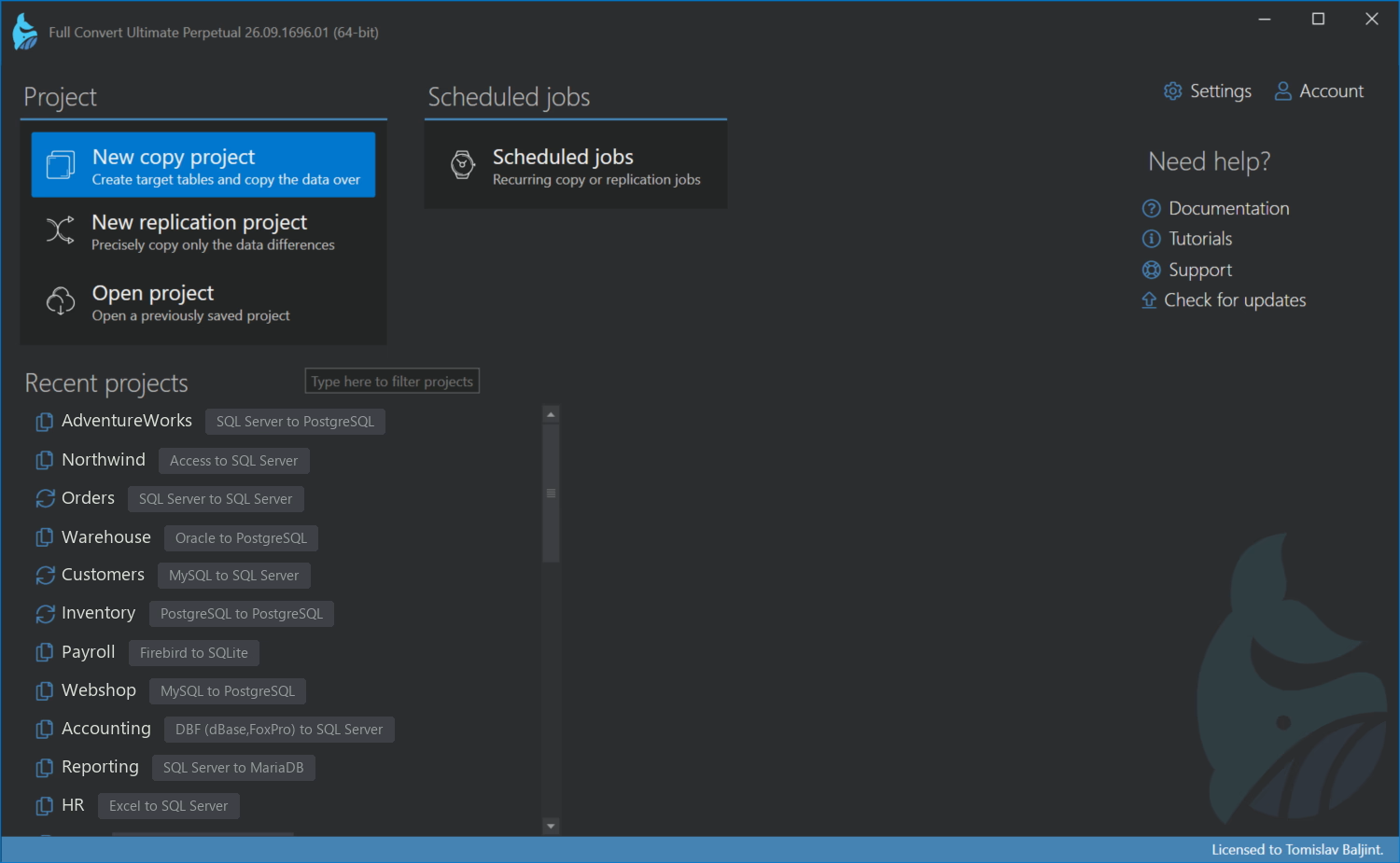
For this short tutorial, we will copy SQL Server's demo database AdventureWorks to PostgreSQL. The wizard has 3 steps.
Step 1 of 3: Source database
.avif)
We will select SQL Server from the list of databases and fill in the connection information. If you are not sure which database you have, drop the database file onto this page and Full Convert will recognize it for you.
.avif)
Step 2 of 3: Target database
We will select PostgreSQL from the list and fill in the connection information. If the target database doesn't exist, Full Convert will ask if you would like it to create it for you.
.avif)
Step 3 of 3: Review
The last step shows the source and target we picked. Under Adjust performance settings there are a few options for very large databases, but for a normal conversion we can leave them alone. Click Project overview to finish the wizard.
.avif)
Project overview
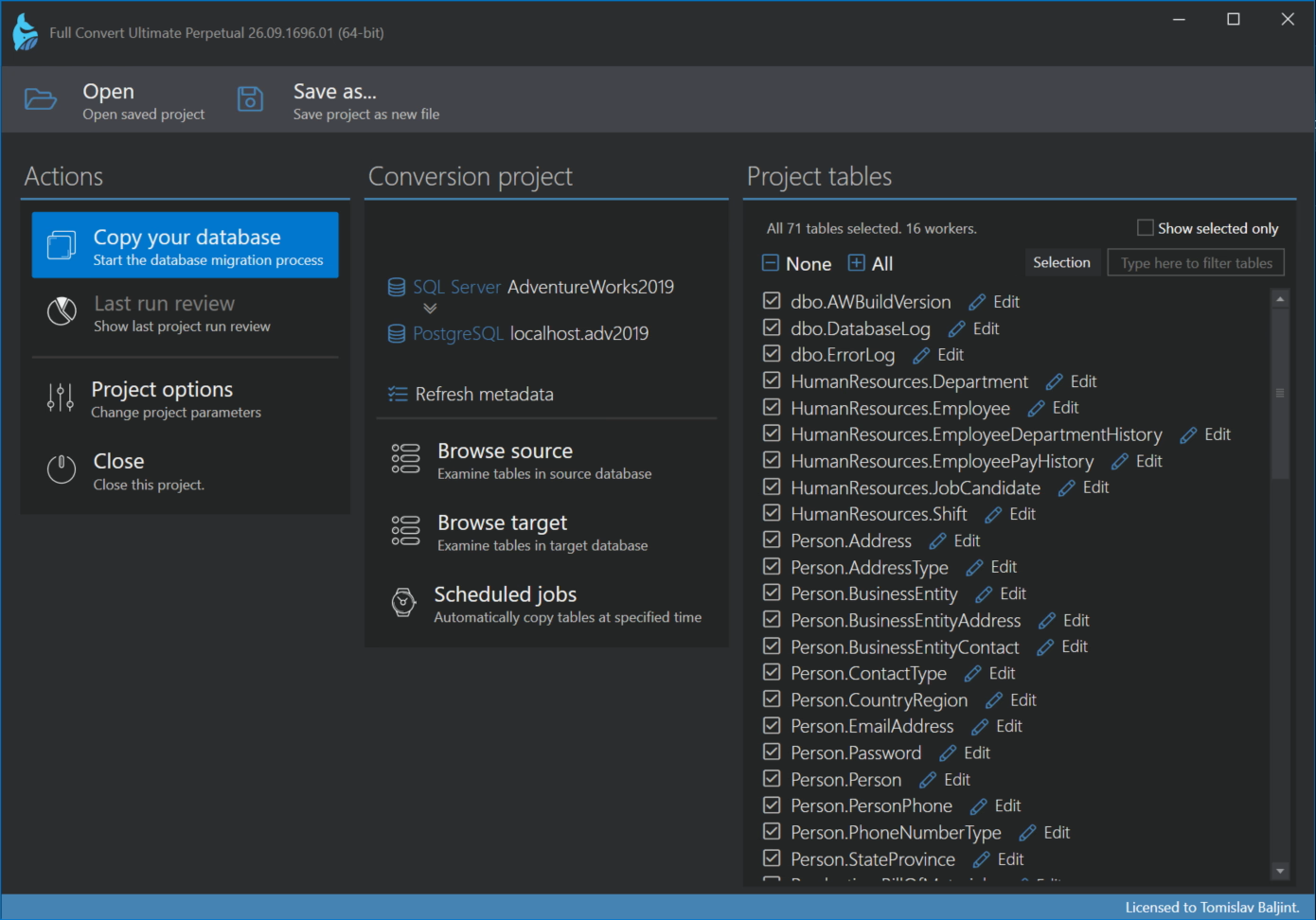
All source tables are listed and selected. We can deselect the tables we don't need, or use the filter box to find a table quickly. Each table can be customized by clicking Edit, but for now we just click Copy your database.
Conversion
Tables are created and the data is copied over. The progress screen shows what is happening and how far along we are.
.avif)
Conversion review
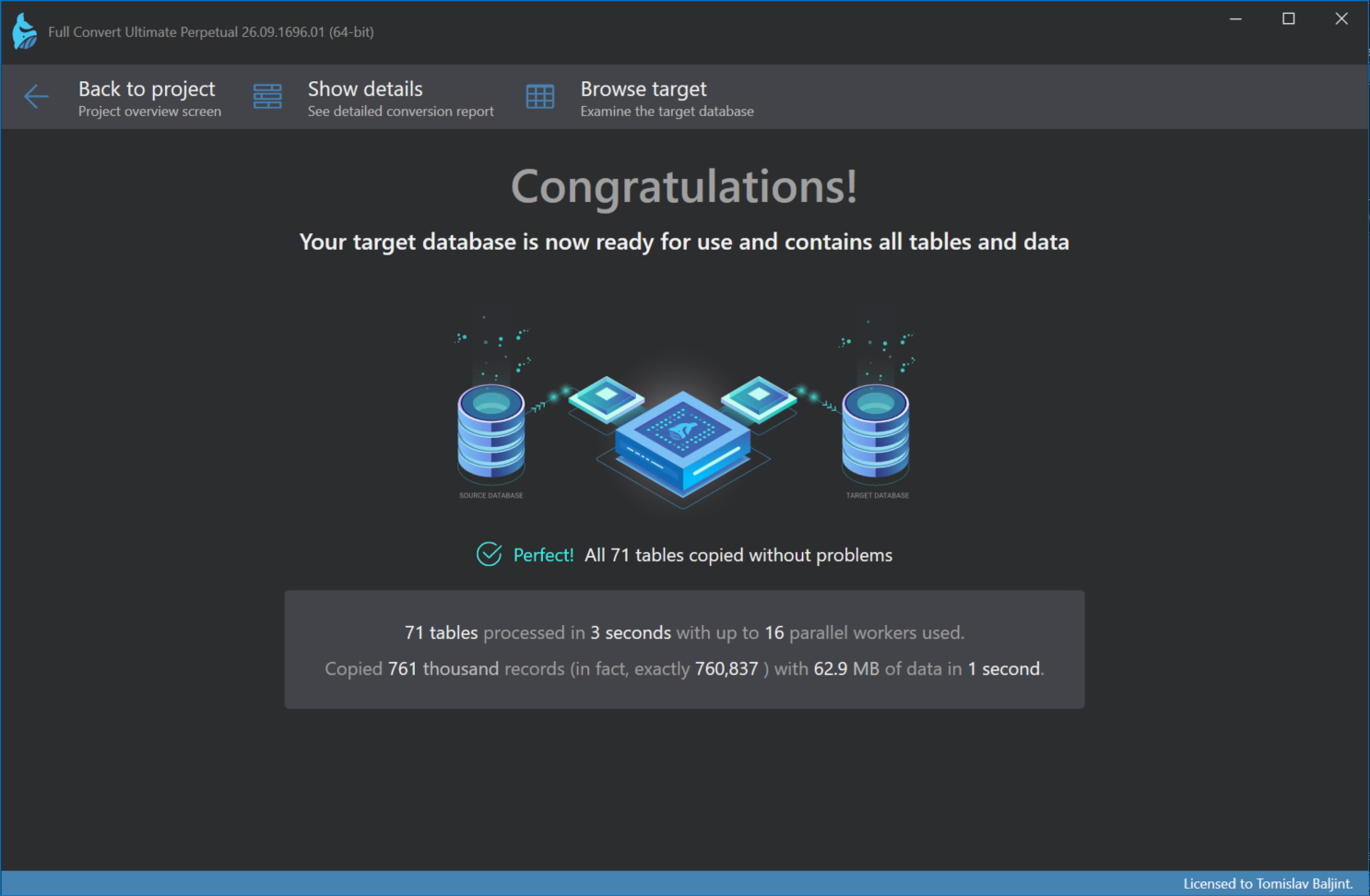
When the conversion finishes, the review shows how many tables and records were copied and how long it took. If there were any problems, they are listed here.
Browsing the data
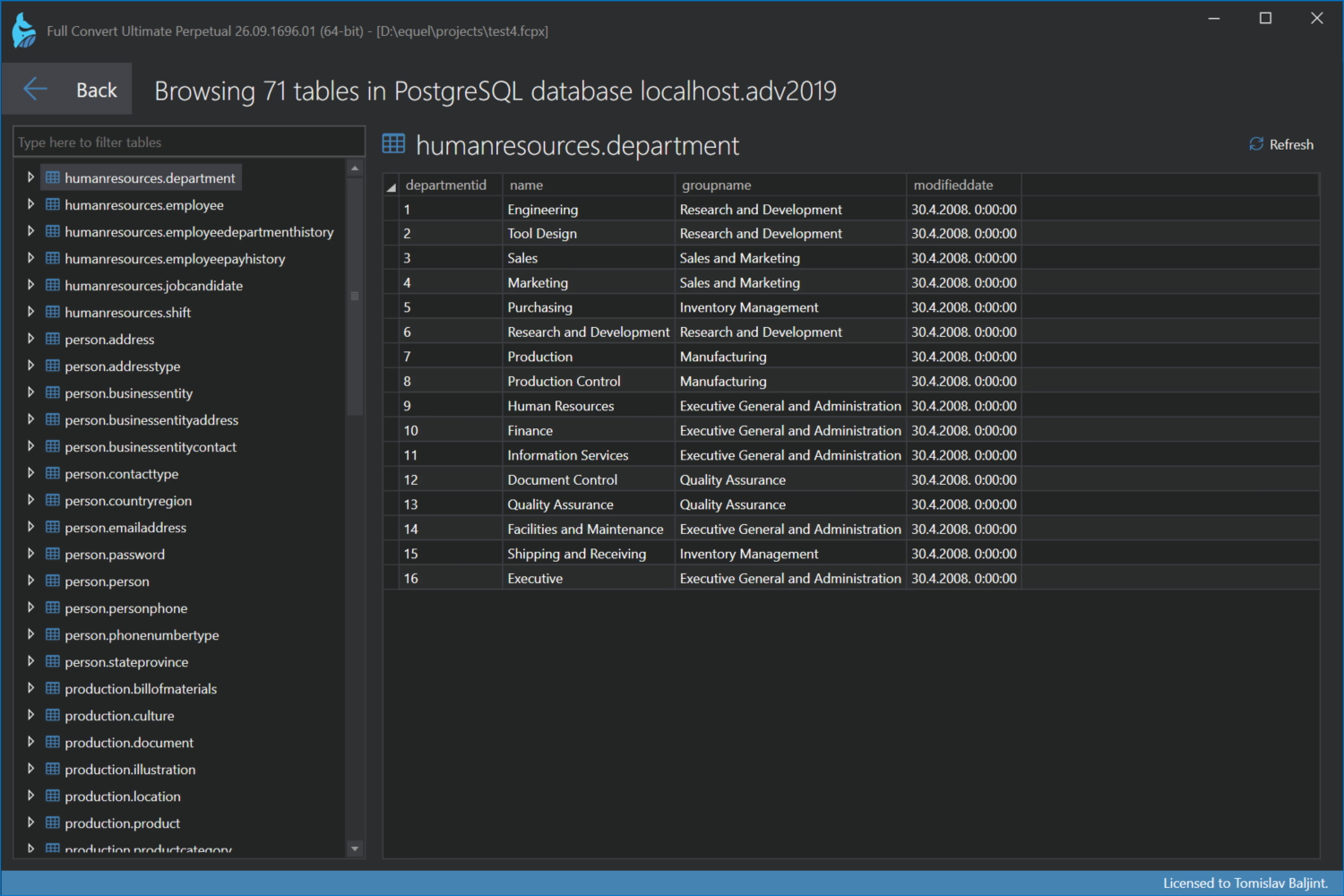
Click Browse target to look at the target database right in Full Convert. Select a table and click Show table data to see the copied records.
Browsing in external tool
Of course, you can use database management application of your choice to examine target database.
