PROJECT OPTIONS
Notification
After a run, Full Convert can send you a status email. Handy for scheduled projects that run while nobody is watching.
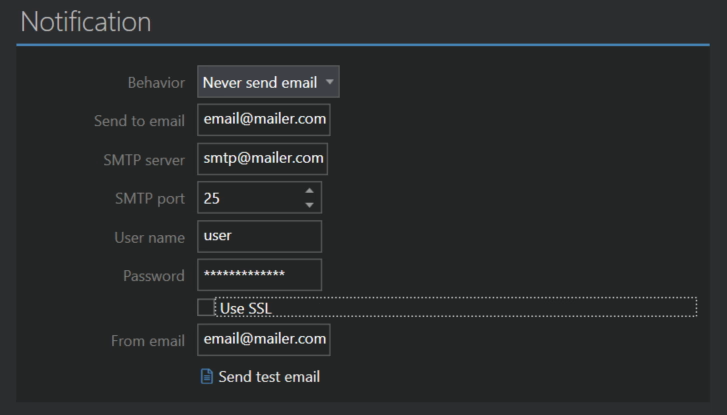
Behavior
- Never send email is the default.
- Always sends an email after every run.
- On error sends an email only when the run had errors.
Send to email
The address that receives the notification.
Email server
The rest of the fields are the usual settings of your outgoing email server: SMTP server, SMTP port (25 by default, 587 or 465 for most servers that require encryption), User name, Password, Use SSL and the From email the message is sent from. If you are not sure, your email provider or administrator has these.
Send test email
Sends a test message with the current settings, so you can check they work before the first scheduled run. The result is shown right away.
