MAPPING TABLES
Key and filter
Two adjustments are available for every table, in automatic and manual mode alike: which columns identify a record, and which records are taken.
Custom WHERE clause
Click Set up custom WHERE clause to copy only part of a table. Enter the condition the way you would write it after WHERE in a query, without the keyword itself, for example OrderDate >= '2024-01-01' or IsDeleted = 0. The condition is sent to the database as is, so use the column names and syntax of that database.
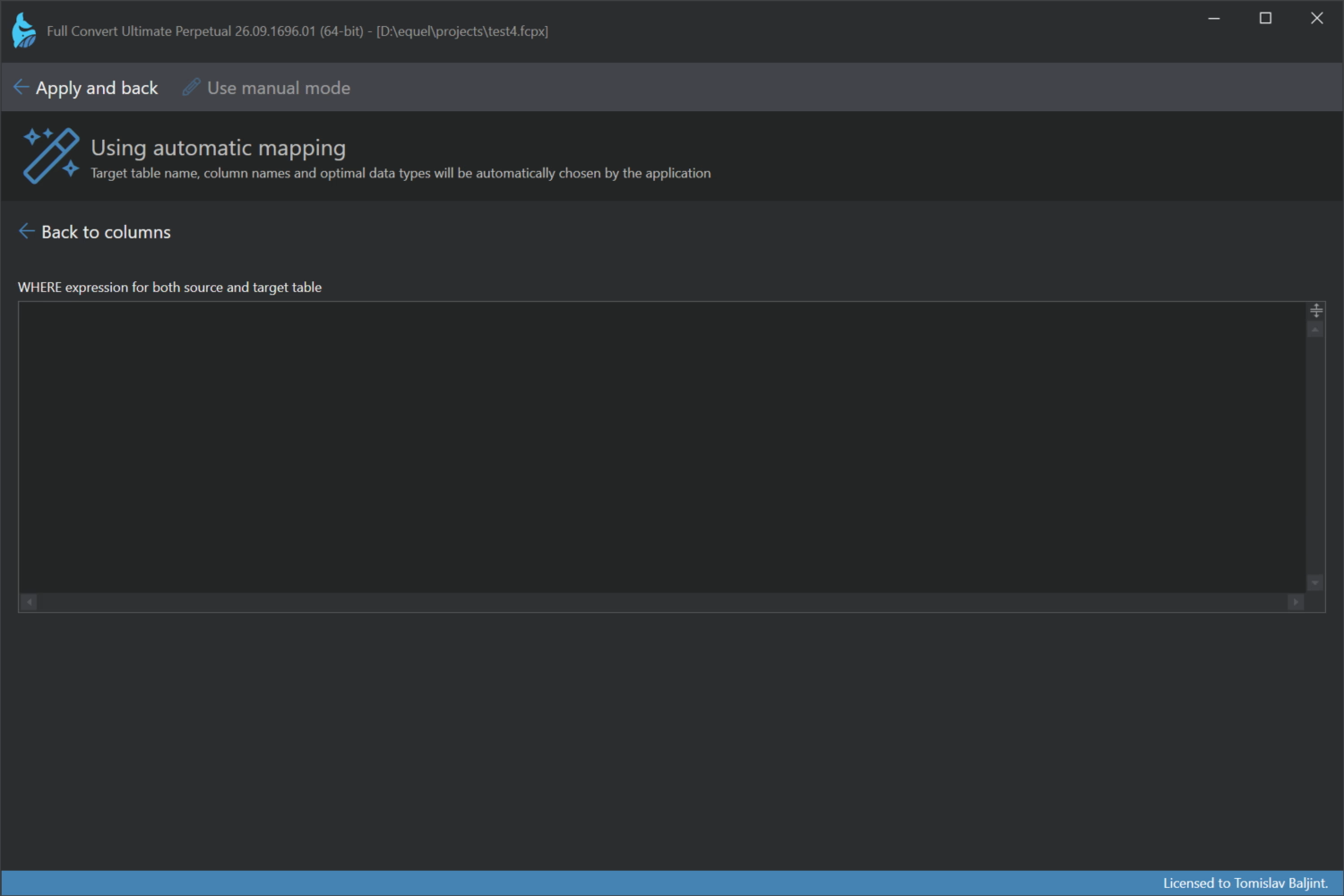
By default the same condition is used for the source and the target table. Choose Separate conditions when the target uses different column names, or when only one side should be filtered. The target condition matters in replication projects, where the target table is read for comparison.
If the project also has a project-wide filter in the Database options, both conditions are applied together.
Tables with a custom condition are marked with a filter icon in the project overview.
Custom key
When Full Convert compares data, in replication projects and in the Added records copy mode, it needs to know which columns identify a record. By default that is the primary key of the source table, or a unique key when there is no primary key. Tables without either need a custom key before they can be replicated.
Click Set up custom key in the table header to open the key editor. It shows the current key columns.
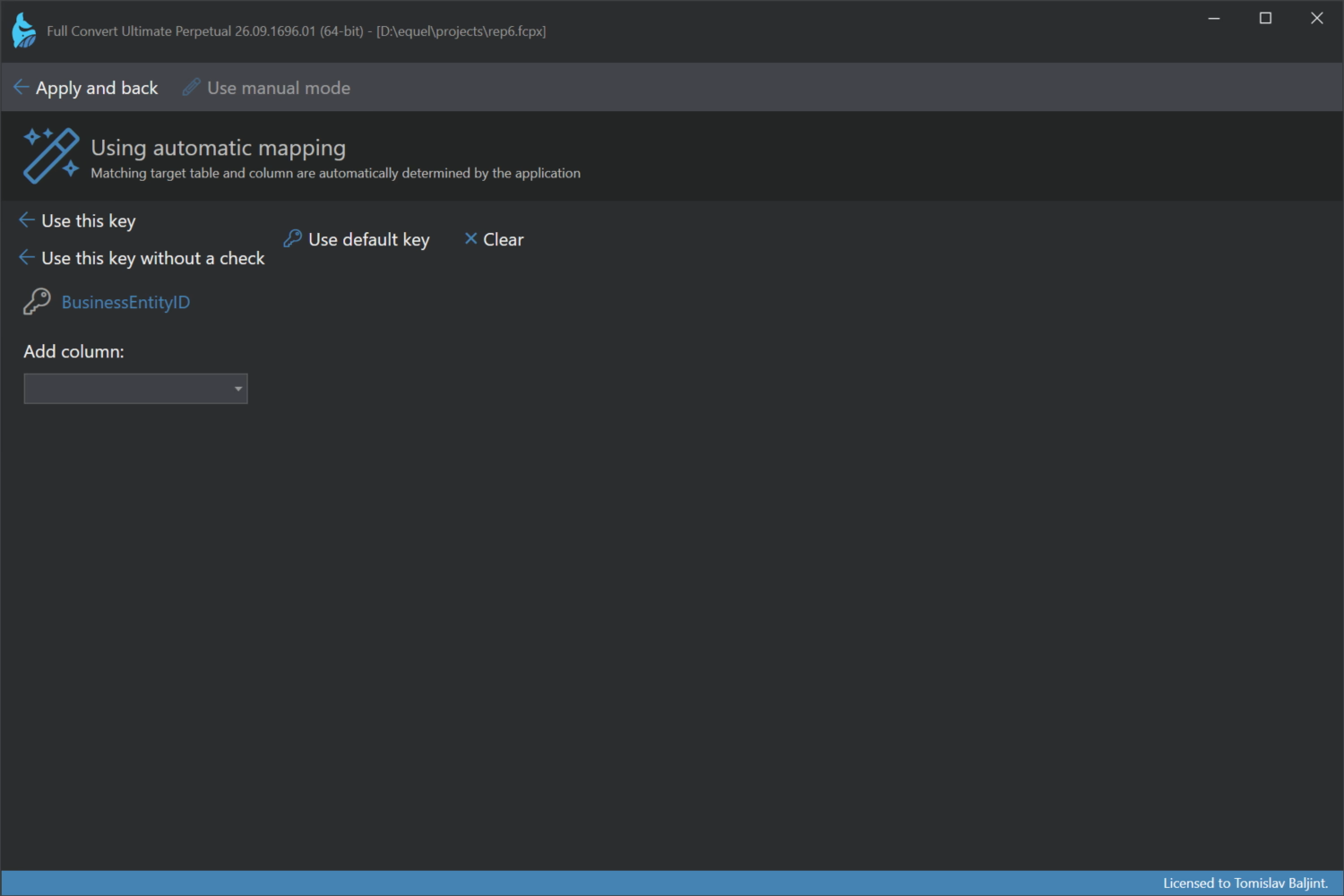
- Add column adds a column to the key. Add as many as it takes to make records unique.
- Clear removes all key columns so you can start over.
- Use default key goes back to the table's own primary or unique key.
- Use this key checks on the source database that the chosen columns are unique, then applies the key. This is the safe choice.
- Use this key without a check applies the key right away. Use it when the check would take too long on a huge table and you are sure about the columns.
Tables with a custom key are marked with a key icon in the project overview.
