PROJECT WIZARD
Wizard
Our project wizard guides you through project creation in three steps: you connect to the source database, connect to the target database and review your choices. When you finish, the project overview opens with the list of tables, and you can start the copy right away, customize the project further, or save it for later.
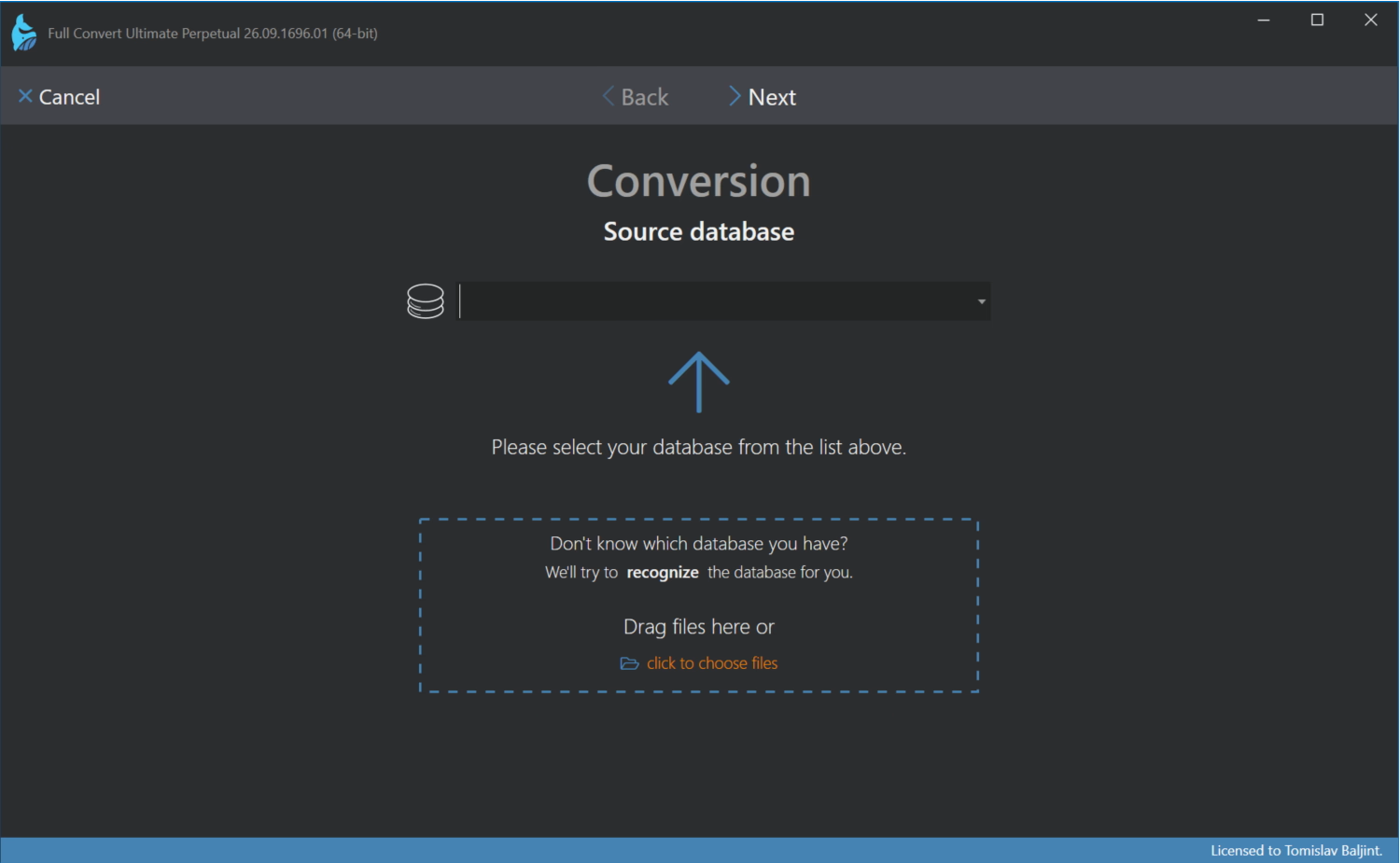
The wizard is the same for copy and replication projects. The title at the top tells you which kind of project you are creating.
Moving through the wizard
Clicking Next on a database step connects to the database you specified. If the connection fails, the wizard stays on the same step and shows what went wrong, so you can correct the details and try again. Back returns to the previous step, and Cancel leaves the wizard without creating a project.
The wizard only connects to your databases and reads their structure. Nothing is copied or changed until you start the copy from the project overview. The one exception is the target database itself, which the wizard can create for you if it doesn't exist yet, and it asks before doing so.
